Phone Introducing: Motorola Q9m


Introduction
I first glimpsed the successor to the MOTO Q back at CTIA Orlando in April of this year. A Motorola executive seated next to me at a Smartphone Summit panel discussion pulled a pre-production Q9 from his packet and used it to check his email while I tried to sneak a look. Eventually he noticed, and after I introduced myself he let me check the device out. I remember being impressed by the new Q's QWERTY thumbboard - the layout and individual buttons felt much more comfortable and responsive than the keys on the original Q. Beyond that, I remember thinking the Q9 looked sorta cool - well, sorta cool for a smartphone anyway - but that was about it.

After some time with the Verizon Wireless version of the Q9m, I've more or less come back to that first impression of the new Q. The Q9m - the consumer-targeted, music-oriented sibling of the all business Q9h - is a slightly faster, slightly more capable upgrade to the original Q. That new QWERTY board is, in fact, better than the original, and the Q9 also ships with Windows Mobile 6 and VCast multimedia capabilities. But it's bigger and heavier than the original, and not as powerful or versatile as the competition it faces in today's smartphone marketplace. Is the Q9m worth a look if you're considering smartphone power with media-friendly features? Yes, but serious business users will probably want to look elsewhere for their next handset.

Design
The original MOTO Q was a breakthrough in smartphone design. Q's tall, wide, and thin candybar form factor made the idea of a stylish, business ready device a reality - as a result, Motorola sold tons of the things to fashion-conscious executives, first time smartphone owners, and a fair number of young, geeky hipsters. Even though Q's performance and battery issues turned me off, its form factor really made me rethink the idea of a smartphone that would fit comfortably into the front pocket of my jeans. And it spawned a legion of similarly designed smartphones from HTC, Samsung, and others.

This new Q is a little bigger all around as compared to the original. At 117 x 65 x 11.9mm and 135g, the Q9m isn't exactly chunky, but it's noticeably thicker and heavier than the Q. Verizon's Q9m is finished in a sporty black and red color scheme, and features nice, big, clearly marked buttons and a large, silver-finish D-Pad in the middle of its navigational array.

A 2.5" TFT display - the same size as the original's screen - takes up the top third or so of the front panel, bordered by a silver Motorola logo on top and a navigational array on the bottom. Navigational controls include Call and Cancel/Power keys on the far left and right and two softkeys and Home and Back buttons bracketing a five-way D-Pad in the center of the horizontal layout. The D-Pad is raised up and the four sides of the rectangular pad slope gently towards a select key in the center. The ridged plastic of the D-Pad makes for easy one-handed use, and even though the other controls are flush-mounted with the surface of the handset, I also found them quite comfortable to use.

The QWERTY keyboard located on the bottom third of the handset is excellent. I much prefer the Q9m's rectangular buttons as compared to the Q's bubbled, oval-shaped keys - they actually remind me of the QWERY boards on RIM's BlackBerry 8800 series handsets. Even though there's no spacing between the buttons in the Q9m's QWERTY, they're big enough that it doesn't matter - the keys textured, provide good tactile feedback, and I didn't have any problems accidentally slipping from the key I wanted to an adjacent button during typing. Twelve keys on the left side of the QWERTY layout double as the phone's dialing layout, and are labeled with red letters as well as the standard white numbers and symbols found on the other keys in the thumbboard.

On the left side of the phone there's a mini USB port and covered slot for miniSD memory cards. The right side features a customizable shortcut key and a scroll wheel that can be pushed to select on screen items. The wheel itself works well, but a plastic ridge similar to ones found on Sony Ericsson smartphones made it kind of hard to click the wheel in - I'm not entirely sure what purpose the ridge serves, actually.

The top edge of the Q9m houses a 2.5mm headphone jack, while the back of the phone features the camera lens and flash assist light along with dual stereo speakers. Removing the lower portion of the back panel gives access to the phone's battery slot.

This Q is bigger than competitors like the Samsung Blackjack, and a little blockier looking than the HTC Dash. It's still small enough to fit into a suit jacket or jeans pocket, and while not exactly cool, the red trim definitely works to give the handset a bit more mainstream flash than buttoned down all grey look of its predecessor.


Features
Verizon Wireless' Q9m is a full-blown smartphone designed to be consumer-friendly and music-centric. What's that mean in English? On top of the standard Windows Mobile 6 interface, VZW has added a custom home menu designed for easy access to their VCast music store, and a hardware key dedicated to bringing you back to said screen whenever you feel the urge to rock out.

The VCast store is quite good, second by the slightest of margins to Sprint's music store when it comes to over the air purchase and downloads in the U.S. Unfortunately the Q9m doesn't support VCast videos, which makes the video and mobile TV compatible LG Voyager a more appealing choice in VZW's lineup for true multimedia fanatics.

Personally, I found the new multimedia home screen a bit confusing and pretty unattractive, to boot. But several people I know really like the new look, and the standard WM6 Home Screen is an available option on the new Q, so it wouldn't be fair to take points away from the device based on the "New Home." What is fair to mention, however, is that while Motorola and VZW loaded new features into the Q9m, they didn't do enough under the hood to help the device run those features smoothly. I suffered many a delay, stutter, hiccup, and freeze when trying to do more than one thing at a time on the Q9m, which gave me flashbacks to my painful go-round with the original Q. If you're going to market a handset as a smartphone, make sure it's smart - the new Q is better than the original, but it's no match for more robust WM6 devices currently offered by the likes of HTC and iMate. If you're planning to run more than one application at a time on a regular basis, think twice before buying the Q9m.

In addition to WM6's support for HTML Email and other productivity goodies, VZW ships the Q9m with DataViz's DocumentsToGo package instead of the standard Pocket Office install found on other WM6 smartphones. DocumentsToGo supports PDF viewing along with MS Office document creation, and works noticeably better than Microsoft's own Pocket Office apps. DocumentsToGo also lets you, gasp!, cut and paste between Email messages and Office documents which, believe it or not, is a revelatory experience on a mobile phone.

The standard, extensive PIM and synching options found on other WM6 devices are also present on the Q9m. Without launching into a diatribe, it suffices to say that WM6 is clunky to use but compatible with so many corporate IT environments that it's become something of a necessary evil for business users who don't want to run their own tech support.

Motorola Q9m Camera
The VZW Q9m features a pretty run of the mill 1.3 megapixel camera with a flash assist light and 6x digital zoom. Given that the Q9m is the long-awaited upgrade to Moto's flagship smartphone, I would have thought a bump to a 2MP shooter in order, but apparently Motorola and VZW felt differently (note that the newer Q9h does feature a 2MP camera).

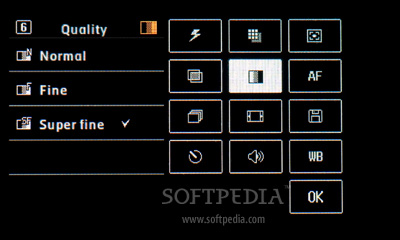
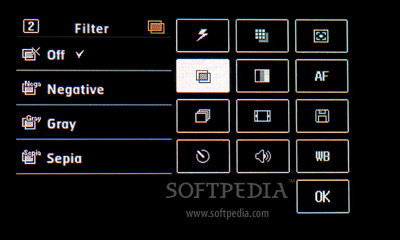
Photos taken with the Q9m were sharp if a bit dull - that is, image details rendered clearly, but colors lacked pop and richness. Photos taken in low-light and/or with the flash assist light were flat-out blurry. Five resolution settings, three shooting modes, and white-balance and brightness settings let you tweak your images, but honestly there's not much you can do when the camera optics themselves are pretty mediocre. On the bright side, the Q9m's software makes it pretty easy to attach photos to MMS and Email messages, or to transfer them to a PC via Bluetooth.

The Q9m's camera is handy for "I was there!" snapshots on the go, and the new full screen viewfinder is a nice touch, but it's not going to replace your digital camera. Not by a long shot.

Video capture is also supported on the Q9m, with clips capped at 30 seconds in length and resolution of 176 x 144. Audio capture is supported in video mode, and video clips may be sent as MMS messages.


Display
The 2.4", 320 x 240 pixel display on the Q9m is fairly average by current smartphone standards. QVGA resolution isn't at all bad, but the 65k color depth is a little behind the 262k or 16 million colors supported by Q's competitors. Menus, images, and text all rendered clearly and crisply on the device, and unless you're used to a more state-of-the-art mobile display you probably won't really notice the relatively limited color spectrum found here.

Direct sunlight rendered the Q9m's display almost impossible to read, but it held up pretty well in most other conditions. An ambient light sensor adjusts the screen's backlight according to external conditions; there are no manual brightness or contrast settings available on the device.

As mentioned earlier, the new Q features two home screen options. While the custom multimedia screen is supposed to make it easier to access your music, images, and videos, I found it pretty unwieldy and wound up using the standard Windows Mobile home screen most of the time. T-Mobile and HTC did a great job of "masking" the WM6 user interface on the new Shadow; VZW and Motorola missed the same mark here with the Q9m.

Note also that the Q9m's display is not a touchscreen. In and of itself this isn't a problem, as the five way D-Pad and thumbwheel provide plenty of navigation options. However, given the recent trend towards finger-friendly touchscreens on high-end featurephones and smartphones alike, this leaves the Q9m's targeted buyer in a bit of a pickle. How attractive will the Q9m really be to the multimedia-focused user with flashy touchscreen devices like the Apple iPhone, LG Voyager, and HTC Touch also vying for his attention and wallet?

Audio
I tested the CDMA Q9m in the San Francisco Bay Area of Northern California. Voice calls were generally loud and clear with a little bit of static here and there but no notable reception problems or dropped calls. The rear-mounted stereo speakers were plenty loud for voice calling and surprisingly decent for music playback, and the speakerphone also performed quite well as compared with other handsets.

The Q9m features a 2.5mm stereo headphone jack, but the retail package does not include a wired headset. I used a 2.5mm to 3.5mm adapter to connect earphones to the device, which yielded good results when listening to music. I also tried a standard 2.5mm mono earpiece with an inline mic, which worked well for voice calls. Voice dialing is also supported on the Q9m, and it worked well for me with all of the headsets I connected to the phone.

Mogul supports mono and stereo Bluetooth audio, and I had no trouble pairing headsets with the device. Audio quality over Bluetooth was very good, both for voice calling (mono) and music playback (stereo). The Q9m's color scheme also matches nicely with Motorola's S9 stereo Bluetooth headset, if you're into that sort of thing.


Messaging
Messaging on Q9m works quite well. SMS and MMS messaging is supported, as are various types of Email accounts. A configuration wizard will attempt to set up your POP and IMAP Email for you based on your Email address, or you may enter account settings manually. Corporate Email is of course supported by WM6, including MS Exchange and Good Mobile Messaging. Verizon's own Wireless Sync system is also supported, though I don't have much to say about it that's positive.

Outlook Mobile features good integration between messaging accounts and contacts, and Windows Mobile 6 upgrades Outlook to support full HTML email. Email attachments are also supported, and as mentioned, the Q9m ships with the DataViz DocumentsToGo application, which lets you deal with MS Office and PDF Email attachments on the go.

Internet Motorola Q9m
While the Q9m doesn't feature integrated WiFi, Verizon's EV-DO network makes for robust Internet access wherever there's network support - even though the Q only supports Rev 0 EV-DO, and not the speedier Rev A. If you're really jonesing for WiFi, however, you can install a WiFi card in the device's MiniSD slot, which is a pretty neat trick.

Web Browsing using the included Internet Explorer browser was okay, but things perked up considerably when I downloaded and installed Opera Mobile. IE has never been my favorite browser, and the mobile version suffers from quirks and crashes more than its desktop counterpart does - particularly so on a device with underpowered hardware like the Q9m.

That being said, IE did a generally okay job of rendering Web pages but the experience on Opera Mobile was just an all-around smoother, better one. The Q9m is also compatible with Verizon Wireless' VCast music store for over the air browsing, purchase, and downloading of songs. VCast music store worked pretty well on my review unit, and downloads were sufficiently speedy.

The Q9m may also be used as a cellular modem. Note that VZW's data plans are generally a bit pricier than comparable plans offered by Sprint, whose Q9c variant - the Q9c - is now available.

Connectivity
The Motorola Q9m for Verizon Wireless is locked to VZW's CDMA network in the United States for voice and data access. The device features a relatively small amount of internal memory - 64 MB, of which 50 MB is user-accessible - and has an integrated slot that officially supports removable miniSD cards up to 32GB in size. A 128MB miniSD memory card is included in the retail packaging. The card slot also supports WiFi expansion cards for 802.11b/g network access.

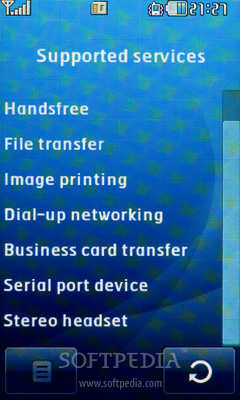
Motorola built Bluetooth v2.0 into the Q9m, and file transfer, information synching, voice dialing, laptop tethering, and both mono and stereo (A2DP) audio are supported. The device also supports GPS, but only for emergency 911 purposes. An integrated mini-USB 1.1 jack can be used to connect to a computer for synching, file transfers, and use as a cellular modem. A 2.5mm headphone jack supports mono and stereo audio devices including earphones.

Conclusion
I had a bad experience with the original Q when I reviewed it some time ago. While I loved the smartphone's slim profile, QWERTY thumbboard, and always-on EV-DO connectivity, it crashed on me so often that I found it more frustrating than useful. I still remember being stuck in an airport waiting for a delayed connecting flight and trying to kill time browsing the Web on the Q. It crashed and crashed and crashed some more.

The new Q9m is a bit of an improvement over the original in most regards, but packs basically the same hardware under the hood as its predecessor did. As such, Motorola has basically given us a cosmetic upgrade featuring a roomier, more comfortable keyboard, and not much else. Windows Mobile 6 is a bit of an upgrade on WM5, but the Q9m doesn't really have the horsepower to make the most of its multitasking, document editing, and HTML email features. Don't get me wrong, it's a serviceable device ... so long as you don't plan on doing much multitasking.

If you look at the Q9m as less of a true smartphone and more of a messaging phone with access to the VCast music store, you might be happier with what you see. Verizon Wireless customers who want a handset that can do Email and music but don't like Voyager's bulk (or price tag) might just opt for the Q9m. If you're one of them, just make sure you install Opera Mobile and don't run too many apps at once on the Q9m - used within its limits, the new Q is a perfectly capable handset for the music hungry consumer who doesn't demand too much from his smartphone.

Motorola Q9m group

Cell Phone News: LG Viewty Debuted in Korea


LG Electronics unveiled the long-awaited Korean edition of its Viewty phone, which was previously launched in Europe in October.

The Viewty is LG's first high-tech category phone, in contrast to the company's popular Black Label Series of design-focused handsets with emotional appeal. Armed with a 5.0-megapixel camera with certified Schneider-Kreuznach lens and manual focus, this full touch screen camera phone is for the serious photographer. ISO800, SmartLight and Image Stabilizer help users take images in low light or while moving. However, one of the Viewty's unique features is the ability to play video at one-fourth normal speed, thanks to is high-speed 120fps video recording function.

Additionally, handwriting editing and drawing function allows consumers to add a creative touch to images directly through the 3-inch LCD touch screen. Finally, users can share their creative work by directly uploading it to the mobile edition of Cyworld, the Korean equivalent of Facebook. For the global version of the phone, the LG KU990, uploads can go directly to YouTube.

The Korean edition of the LG Viewty comes in three models of 7.2-Mbps 3G phone, respectively tailored to all three major Korean network service providers: SK Telecom, Korea Telecom Freetel and LG Telecom. The global edition is a single 3.6-Mbps HSDPA model for the European open market.

The LG Viewty was also launched in Singapore, South Africa, Malaysia, Taiwan, UAE and Thailand in November. The phone will be available by the end of this year in other parts of Asia, the Middle East and Africa.

Source: mobil edia .com

Phone Introducing: LG KE850 Prada

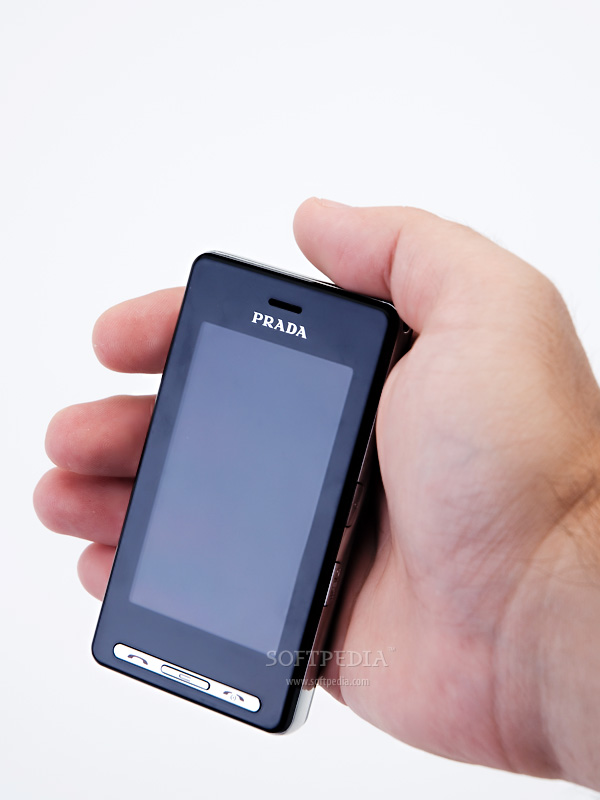
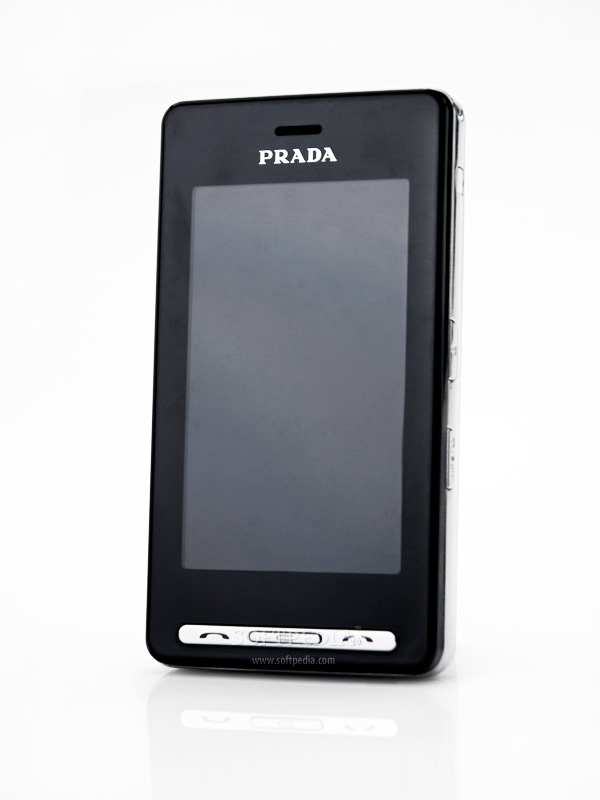
LG KE850, also known as the LG Prada, phone resulted from the work of 2 renowned companies: LG Electronics and the Italian fashion brand Prada. Actually, you can see the phone as a piece of LG software "dressed" in Prada designed clothes. Moreover, LG Prada is considered by many as being the first mobile phone that uses complete touchscreen display. The resemblance with Apple's iPhone is striking and LG Electronics claims that the latter's design has been copied from the LG Prada handset. True or not, the fact is that while LG's Prada is just a simple fashionistas mobile phone, the iPhone features a MAC OS X which makes it a true smartphone.
Unveiled in September 2006 when it has also received the iF Design Award prize, LG's Prada has been made available on the market in late February 2007. The price starts from USD 700, but may vary greatly depending on the location, plan and network operator.

Review imageReview imageReview imageReview imageReview image


Design

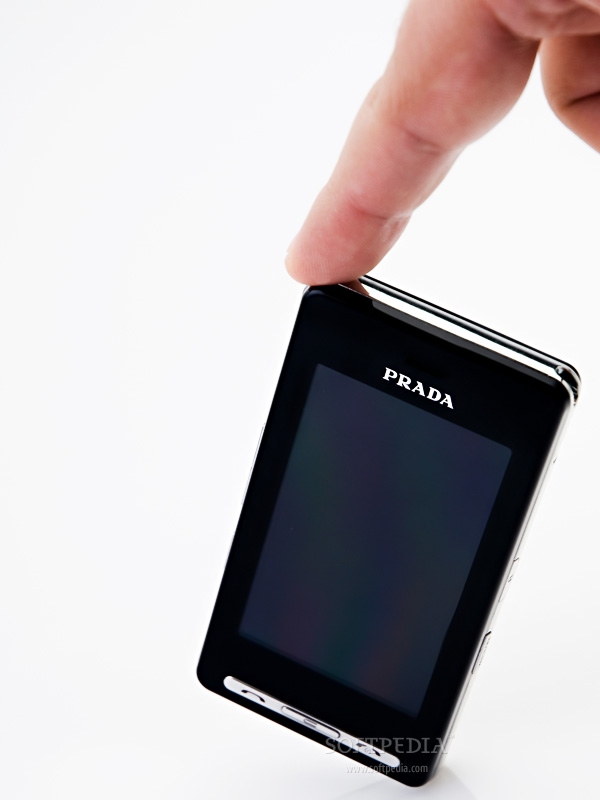
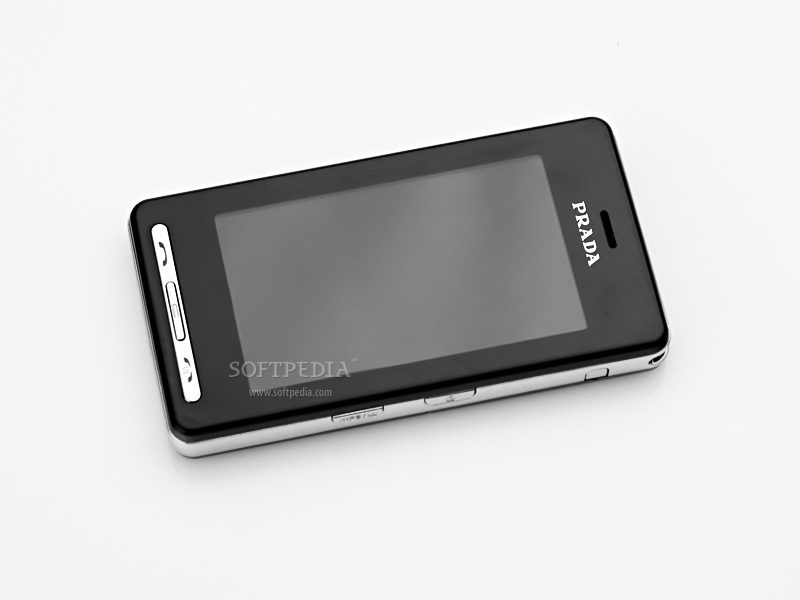
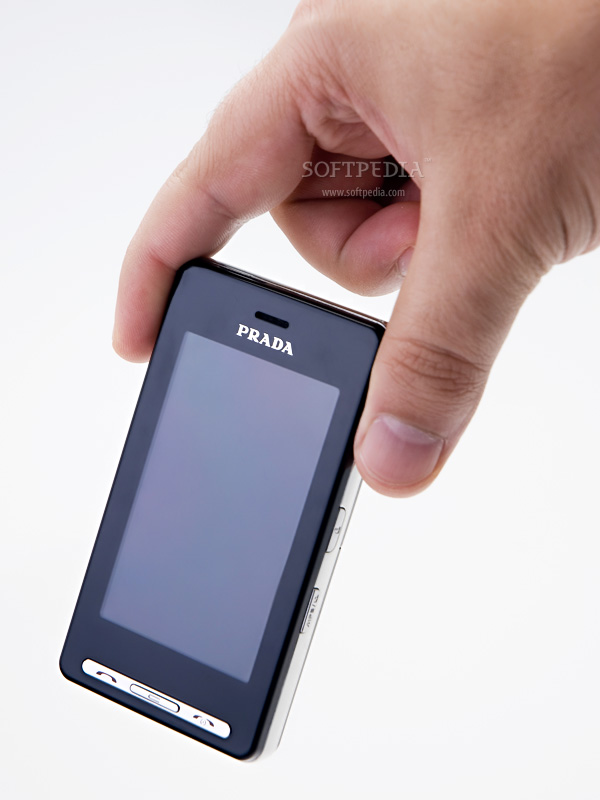
Besides the iF Design Award prize won in 2006, LG's Prada also won 'Best of the Best' red dot Design Award in 2007. I believe this says everything about the phone's design which is as stylish as can be. While two thirds of the sold phones are clamshells, the candybar form seems to be a little bit unpopular, but LG Prada comes to contradict these statistics. The phone is slim and the no-button interface with the entire phone face covered by a touch-sensitive screen may look very much like Apple's iPhone, but people must understand that besides the design you can't really compare the two devices.

Review imageReview imageReview imageReview imageReview image

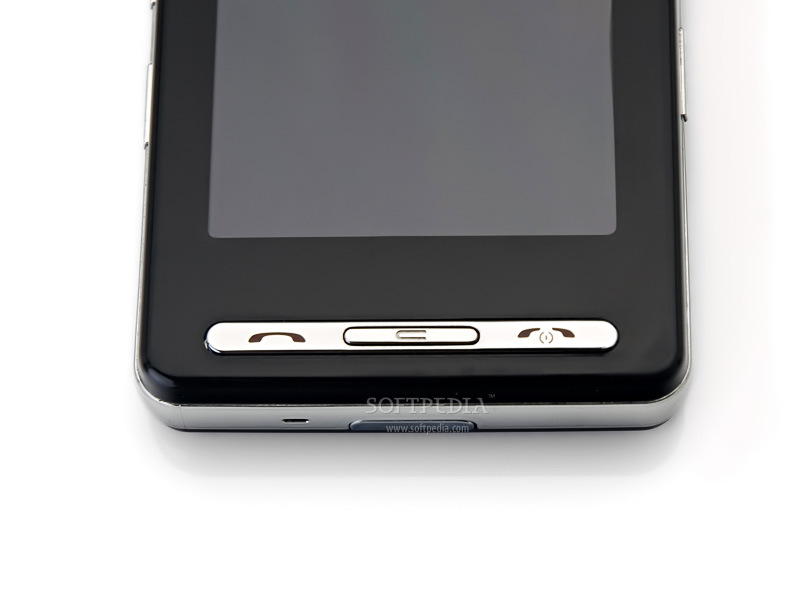
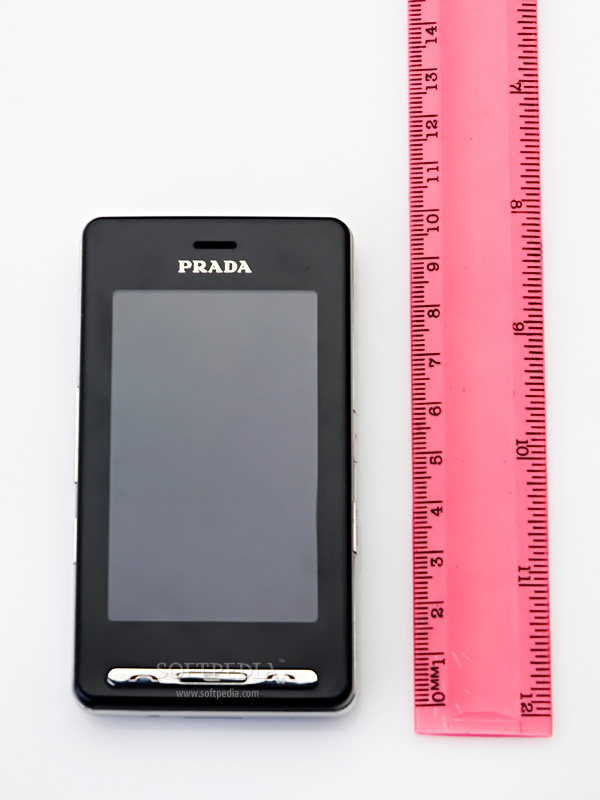
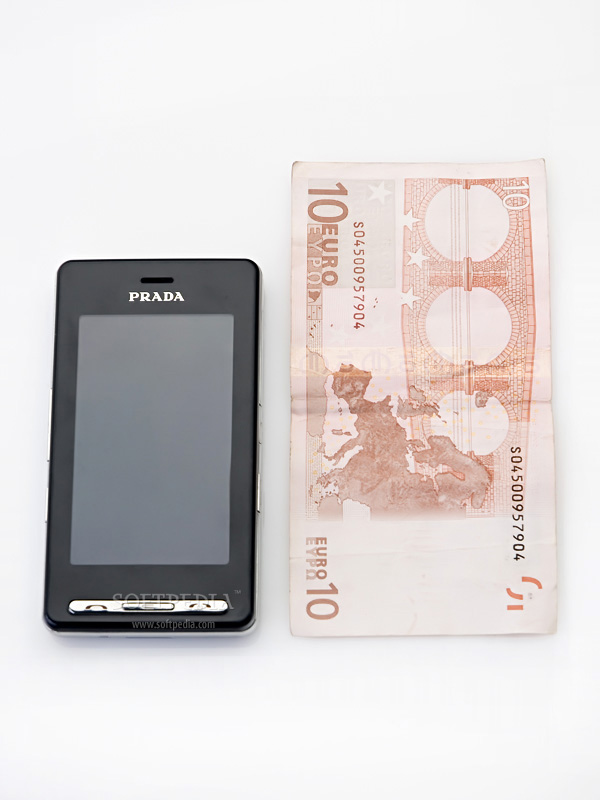
The 12mm-thick handset measures 98.8mm x 54mm and weighs only 85 grams (battery included). This is a light candybar with a very big display (240 x 400 pixels) and no visible keyboard. It is made from a plastic (cheap or not, it's still plastic) material, which is very easy to scratch whether or not you're using the leather case that comes with the phone. In fact there's a big chance that you'll be scratching your display if you use the leather case and the only efficient way to protect it seems to be the "invisibleSHIELD" sold by a company called Zagg Inc. (it is delivered worldwide). Right under the big screen, there are three keys that you can use to Accept/End calls and a dedicated "Back" key. The volume dual-key and the speaker/profiles key are placed on the left side of the phone. Besides changing the Profiles of the phone you can use the speaker key to bring up the virtual keyboard on the screen during a call.

Review imageReview imageReview image

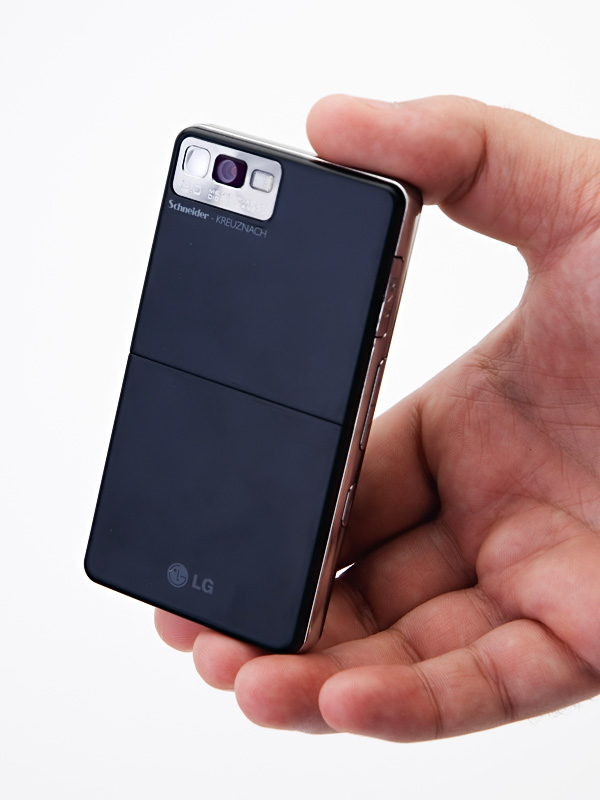
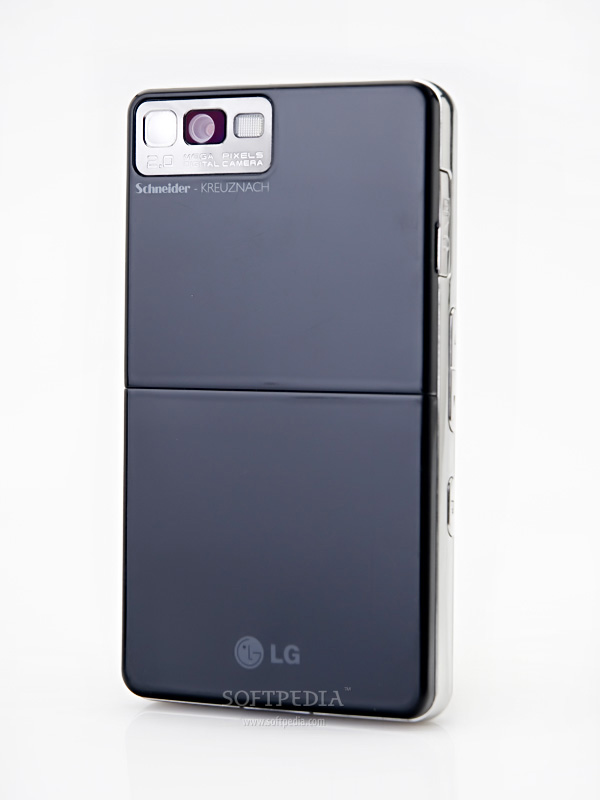
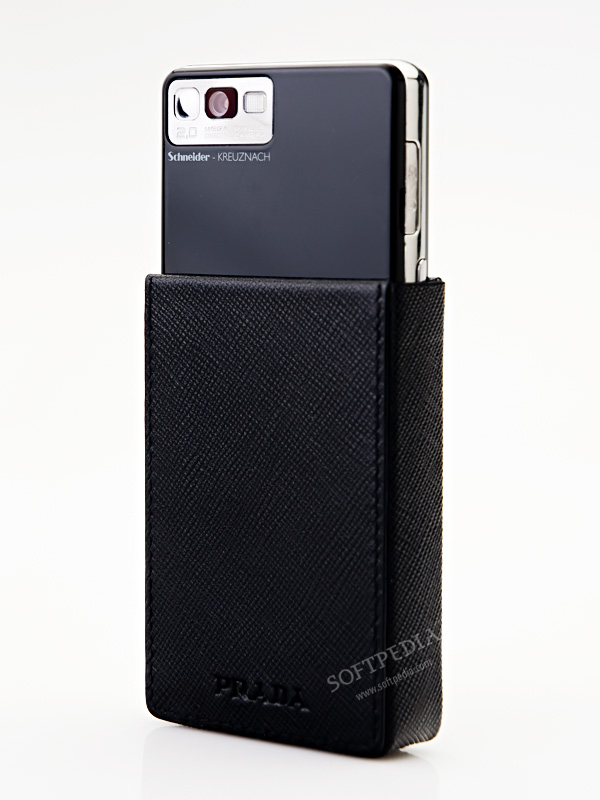
There's also a slot covered by a plastic stripe where you can plug in the wired headset or the charger. On the right side of the handset, you can find the Lock/Unlock key and the MP3 player/Camera key. The latter will open up the music player if you push it once or the camera if you push and hold it for a few seconds. On the back of the phone, LG included another 2 Megapixel camera that features Schneider-Kreuznach lenses with flash and self-mirror capabilities. The external speaker was strangely placed on the bottom of the phone.

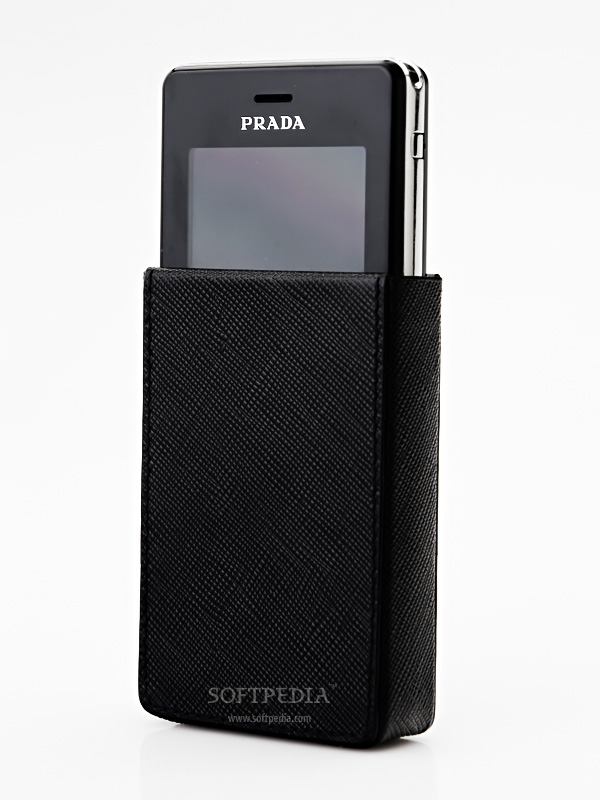
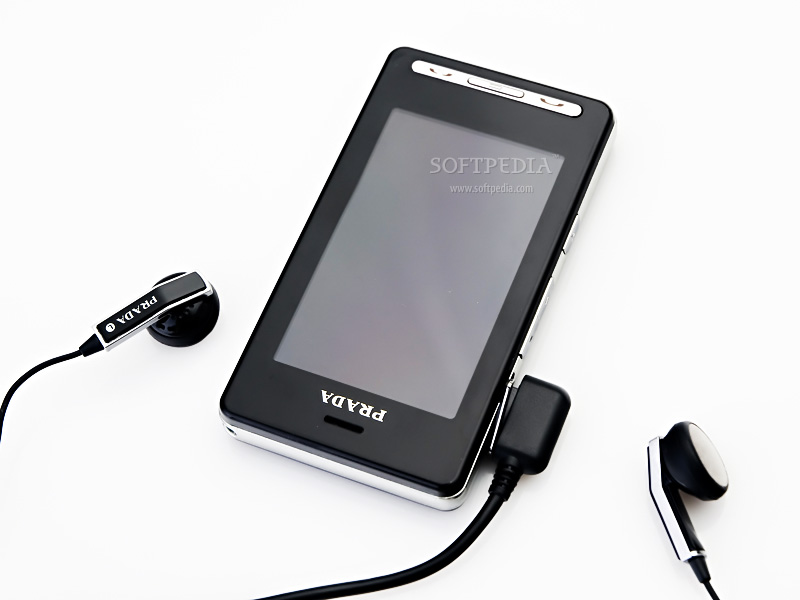
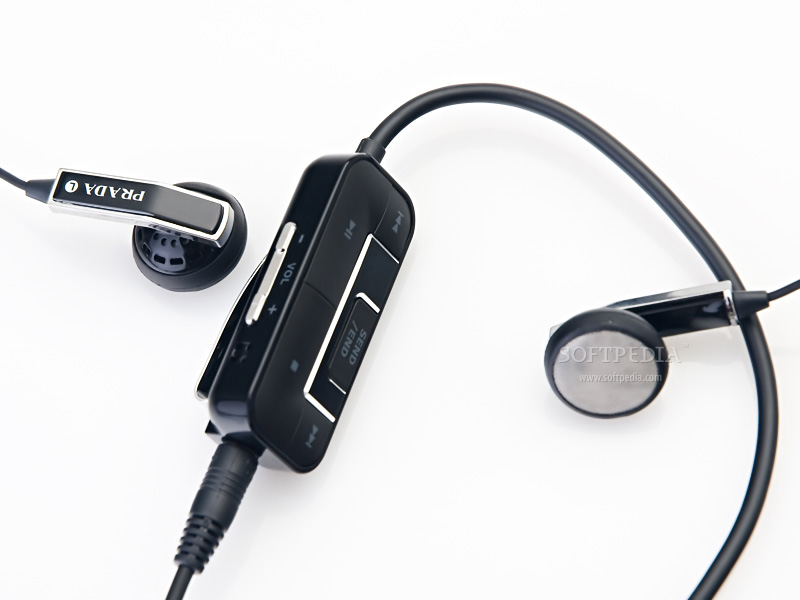
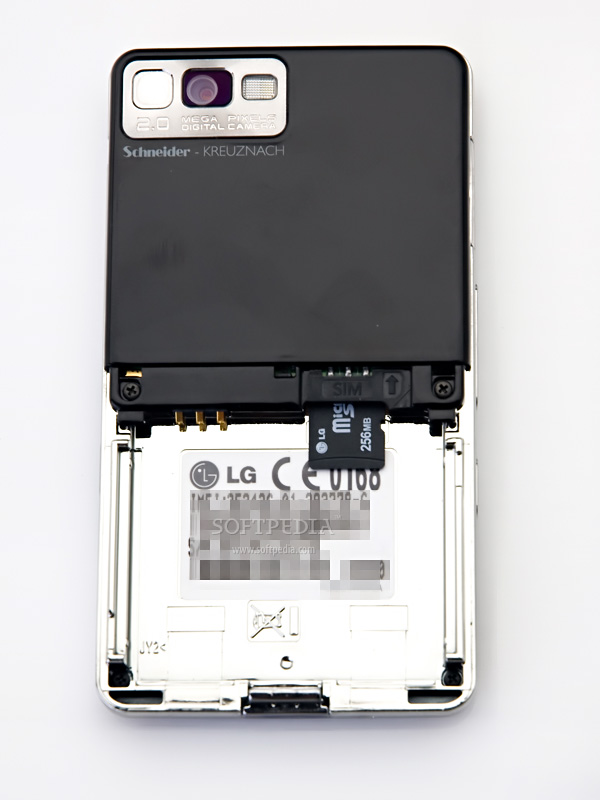
LG Prada comes in an exquisite box which contains a leather case, wired headset with remote control and a 256 MB microSD memory card.

Review imageReview imageReview imageReview image


Display and Camera

LG KE850 comes with an unusually big TFT touchscreen (240 x 400 pixels resolution) that supports up to 256k colors. The screen won't respond to any commands if you use a stylus or other objects and you will only be able to handle it with your fingers. This is the first handset that relies entirely on the use of the touchscreen for accessing the phone's functions. LG warned users that the phone will not work in hot or humid conditions, but neither in case you're wearing gloves. Thanks to the capacitive technology, the display responds very quickly being also quite accurate; however, it might be a pain to handle for people with wide fingers. The most annoying thing by far is the scrolling, which is very hard to execute, unless you're using the dual volume key. Outdoor use of the phone can mean trouble for you especially if you're looking to initiate calls, because it's almost impossible to see anything on the screen in sunlight. There's still a chance that you can use the phone on sunny days, but you have to protect the display from direct sunlight. Word of advice – protect your screen with your life as it scratches very easily even if you're using it with gloves (which you cannot, as I’ve already told you).

Review imageReview imageReview imageReview image

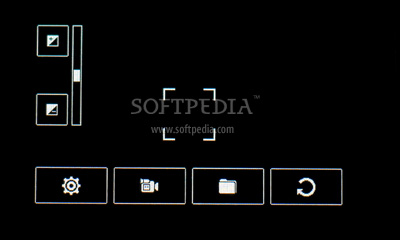
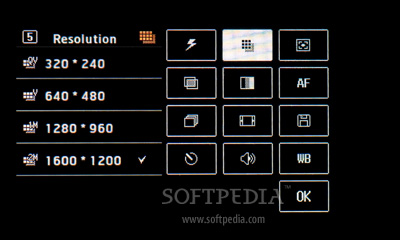
The 2 Megapixel camera features Schneider-Kreuznach, flash and self-mirror capabilities. The quality of the pictures depends very much on the light conditions. The maximum resolution available for taking pictures is 1600 x 1200 pixels, but you won't be able to use the zoom capabilities of the camera with this resolution, so you must lower it to at least 640 x 480 pixels (you can zoom with the dual volume key).

Review imageReview imageReview imageReview imageReview image

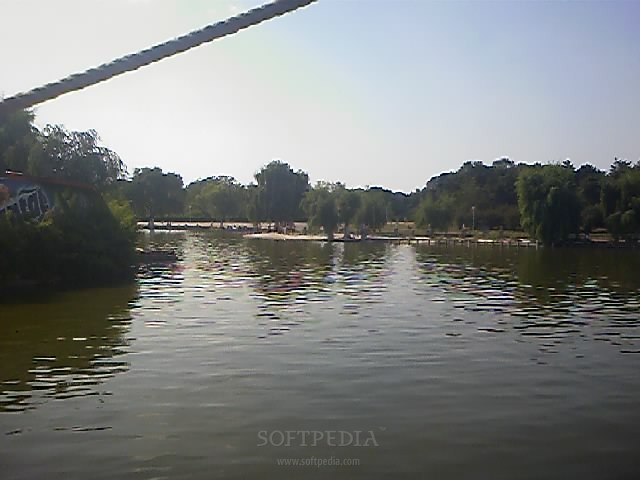
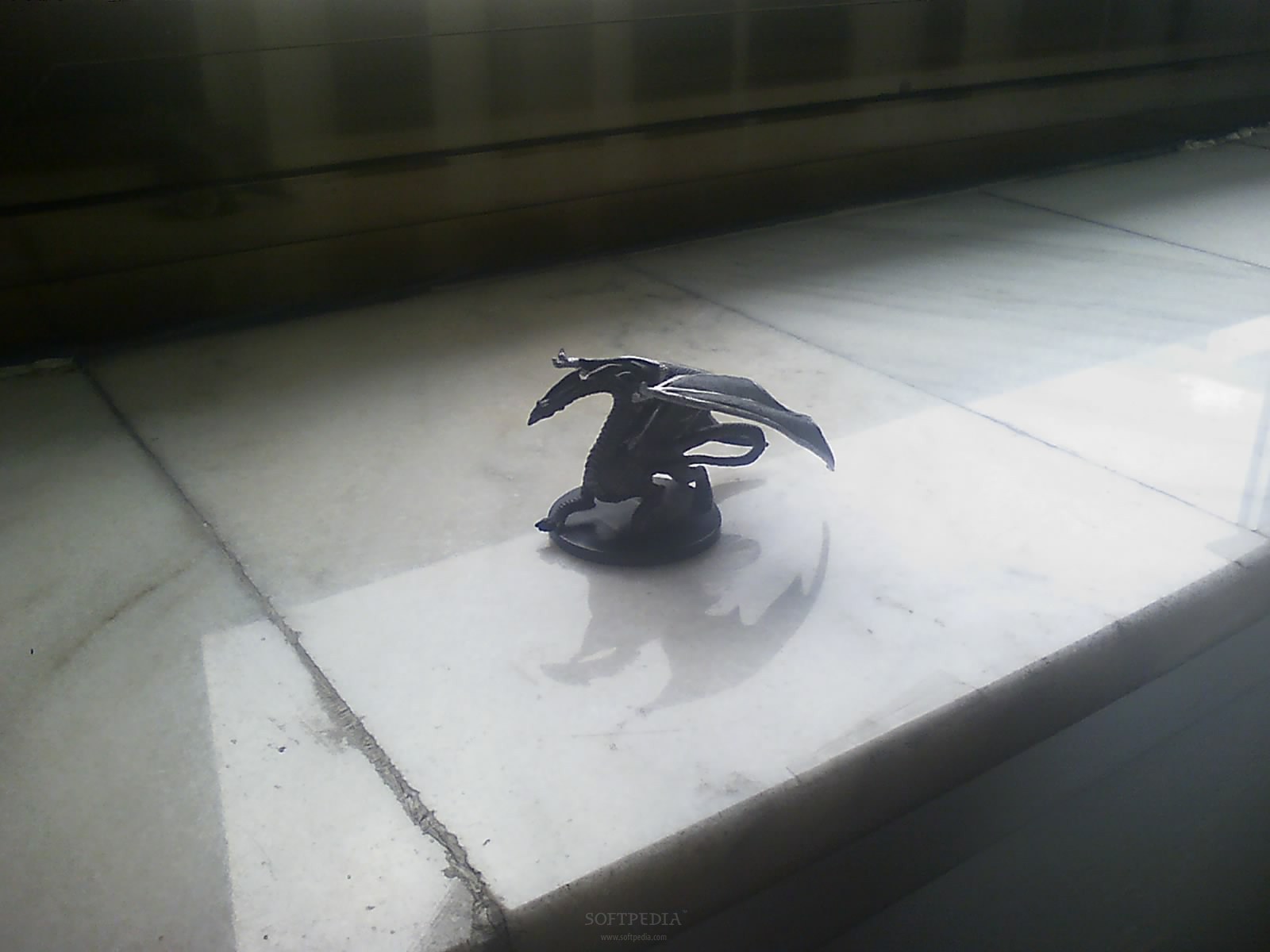
As you can see from the pictures below, it's comparable with LG Shine's camera. Indoor pictures are looking much better than those made outside.

Review imageReview imageReview imageReview imageReview image

The flash is too weak to count, so don't try to take shots at night, unless you're really close on the subject. The usual functions and settings are available for the camera in photo modes as well as in camcorder mode. You can shoot 30 fps video clips in 400 x 200 pixels resolutions and save them in the usual 3GP format.

Review imageReview image


Menu and Software

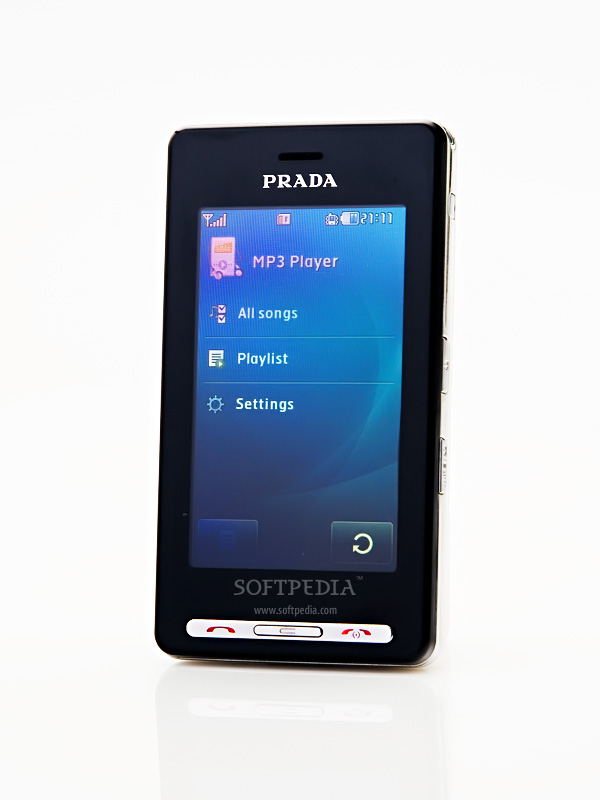
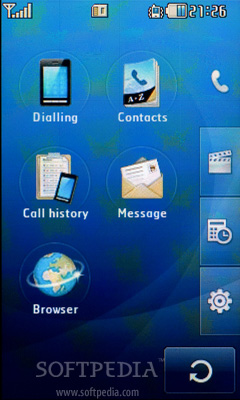
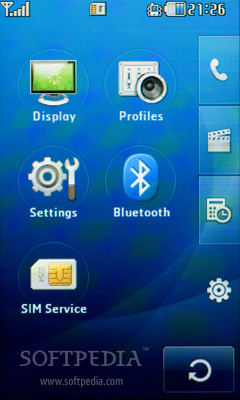
LG Prada features a more "primitive" menu than any other LG mobile phone. The interface is simple, intuitive and very easy to use, even for people that are not acquainted with LG mobiles. The four shortcuts on the main screen are not configurable (that is, you cannot change them) and will only give you access to Main Menu, Dialing Pad, Messages and Contacts. The clock on the main display can be easily moved with your fingers anywhere on the screen and can also be used to quickly set an alarm. There are 4 great themes that you can use to personalize the phone, including a black and white Prada theme. All themes are keeping the floating clock on the main display, which by the way can be seen as digital, analog or in both modes. You will have no problems "fingering" through the various menus of the phone, but you will have a hard time texting or scrolling.

Review imageReview imageReview imageReview imageReview image

Unfortunately, the phone's software has lots of bugs, exactly like those found in many other LG mobile phones (LG KU580 makes an exception). People will find that they won't be able to attach icons to all contacts or play some MP3 files. All these problems seem to appear randomly, but frequently.

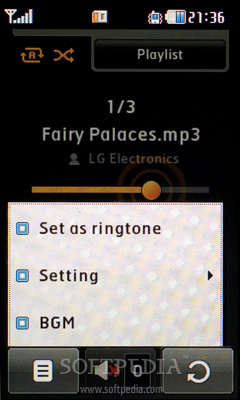
Although the phone features Java MIDP 2.0 emulator there's a big chance that you won't be able to run some Java compatible applications on the phone – reason unknown. Also, you can set MP3 files as ring tones if you open the music player and run those files or if you go to Profiles and personalize the caller ring.

Review imageReview imageReview imageReview imageReview image

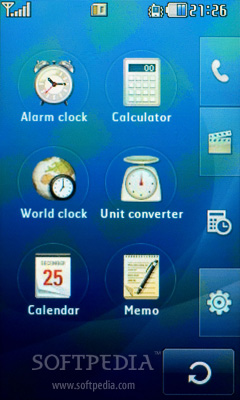
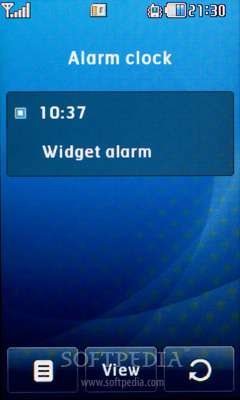
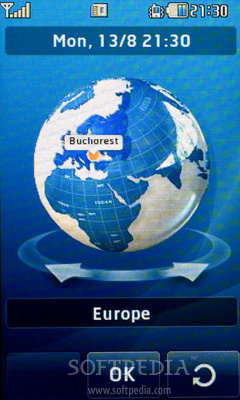
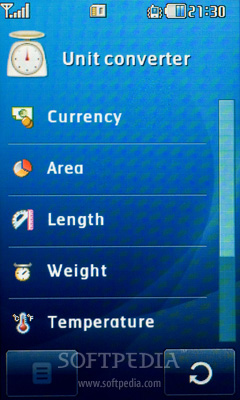
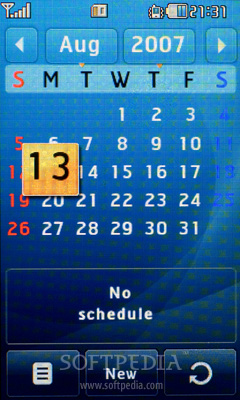
Fortunately, there are some good applications pre-installed on the phone that you can use. There's a Unit Converter, Calculator (basic and scientific), Alarm (only one alarm to set!), World Time Clock, Calendar and Memo. With the help of a Document viewer, you will be able to read any .ppt, .doc, .xls, .pdf or .txt format file. The big screen will offer you a better view, especially when using the Landscape mode, but again…scrolling will be a pain.

Review imageReview imageReview imageReview imageReview image

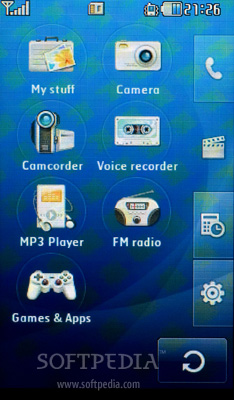
The File Manager of the phone is called My Stuff and here's the place where you can store any image, music file or document. The basic Internet browser included won't offer you too many choices, but at least you'll be able to open full HTML web pages. As it came up right before the latest KU580 Chocolate, Prada's firmware needs some adjustments to improve functionality. Even if it’s a fashionistas phone, people will want to be able to play MP3 files no matter where they are, copying them or maybe install some other Java compatible third-party applications.

Review imageReview imageReview imageReview imageReview image


Communication

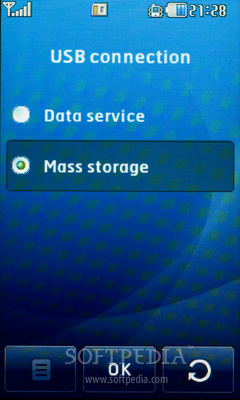
I'm surprised that this phone features EDGE technology, but I'm equally surprised by the lack of 3G. The GPRS Class 10 (32 - 48 kbps) is enough for users of this type of handset, but it would've been great to be able to make videocalls on such a big touchscreen. Anyway, LG doesn't escape its mediocrity regarding the connectivity tools and offers only 89 Kbps download and 51 Kbps upload data transfer speeds when activating EDGE technology. I've been able to transfer files through Bluetooth 2.0 with speeds up to 37 KB. LG said that the phone definitely supports A2DP, but there seem to be problems and not all Bluetooth headsets are fully compatible with LG's Prada. Some users even experience problems during music playback, like disconnection between the two devices when you want to stop music play for a short period of time. If you want to synchronize the phone with your PC through the USB 2.0 port you must first choose which mode to use: Data transfer or Mass Storage. Furthermore, you need to install the LG Mobile Sync software that comes with the phone to be able to actually get synchronized.

Review imageReview imageReview imageReview imageReview image

Be very careful when synching your Contacts as the phone doesn't make any difference between the SIM contacts or Phone Memory contacts, mixing them both in one long list, so you'll probably discover that you have the same contact twice. Again, it takes too much time to actually connect the phone with the PC and you won't be able to use any Outlook with your contacts. The phone features all messaging capabilities (POP3, SMTP and IMAP4), but lacks any SSL security compatibility.

The tri-band (GSM 900 / GSM 1800 / GSM 1900) network compatible candybar has a mediocre GSM signal reception. Sound is clear but much lower than any other LG mobile phone. It's almost impossible to have a conversation in crowded areas even with the help of a handsfree headset.


Processor and Memory

LG KE850 Prada features an ARM9 family processor running at up to 117 MHz speeds, the same as the one embedded in Chocolate Platinum. Even if it's a low class CPU, it is more than enough to handle most of the operations needed. Nevertheless, you'll experience lags and frames losses when running movies and the gaming experience will be less smooth than expected. As I have stated above, the phone features Java MIDP 2.0 compiler but it seems to have some troubles in running some third-party applications.

Review imageReview imageReview imageReview image

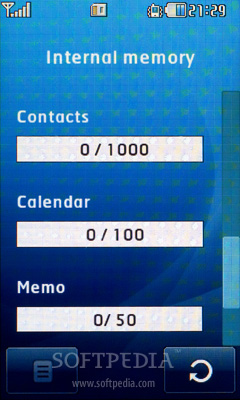
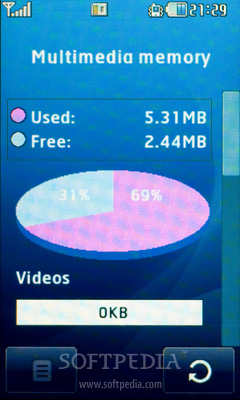
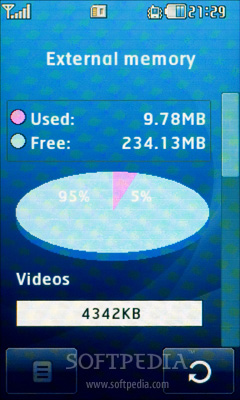
I cannot understand why LG chose to include only 8MB internal memory on this phone, but also offer a 256 MB microSD memory card in the sales package. Why not 256 MB internal memory and no microSD memory card in the package or a bigger one? While this phone cannot compete with Sony Ercisson's Walkman series or Nokia's multimedia phones, I'm sure people will want to load up their phone with many music files. For that, you can buy yourself any microSD memory card up to 2GB and insert it just under the SIM slot.

Review image


Multimedia

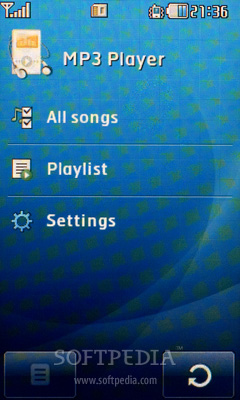
The candybar features 40 channels polyphonic sounds, less than previous Chocolate models, but seems to offer a good multimedia experience. It sounds pretty good with the stereo wired headset included in the package. You can even use other headphones thanks to the 2.5mm compatible remote control. The music player included in the Prada phone is different and looks much better than those found in any other LG model. Unfortunately, you won't have any complex functions like equalizer or stereo widening to improve the quality of the sound. Still, the music sounds very loud when you set the volume to the max and isn’t really not devoid of bass.

Review imageReview imageReview imageReview imageReview image

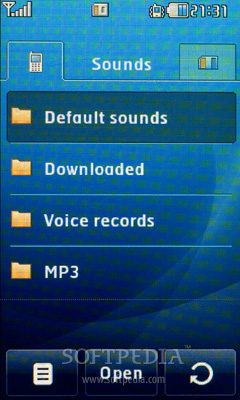
On a scale from 1 to 10, I would give this phone a 7, especially because the big wired headsets have been replaced with others which are smaller and fit much better into your ears. You can set any MP3 files as ring tone if you open the music player first and play them or you can go to Profiles and personalize the caller ringtone. Don't forget that you must put the MP3 files in the MP3 folder on the phone's memory or on the external memory (microSD card). There's no way to associate any MP3 files to Message alerts or any other alert except for the ring tones. The basic FM Radio doesn't have any RDS capabilities and it can only memorize 12 base stations. Furthermore, the reception is pretty good, but surprisingly enough, you cannot run it in the background.


Battery

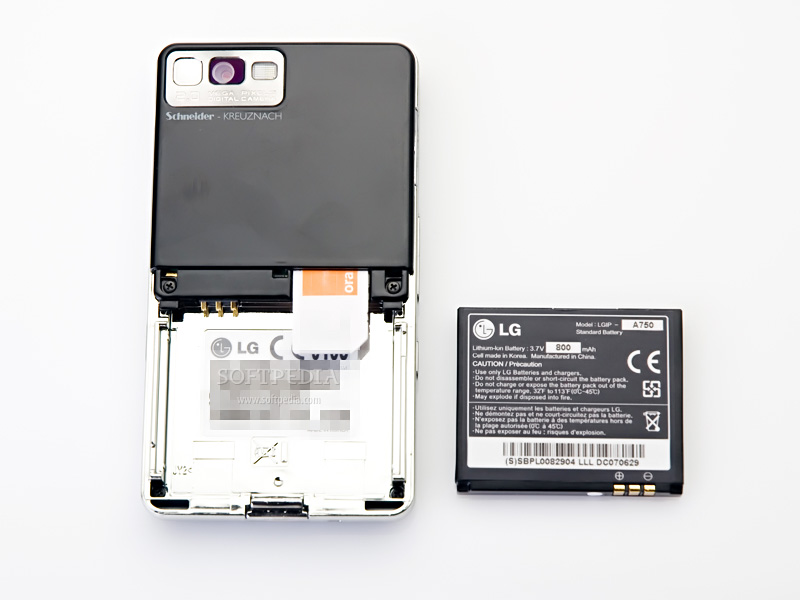
This is probably the weakest point. Even if LG didn't state more than 3 hours of talk time and 300 hours of standby, what if the real numbers are lower than this? The 800 mAh Li-Ion battery didn't last more than 4 days on a light use and no more than 2 and a half days on a heavy use. There's not much to say about the phone's battery only that it simply SUCKS.

Review imageReview image


Impressions

LG Prada is one of the nicest candybars on the market and I'm not the only one who thinks that (see how many prizes it got). Its design is almost flawless and offers a surprisingly great functionality through its touchscreen. This is definitely a fashionistas phone and no businessman will want to buy it. At the moment, this is the best-looking LG handset; what's it gonna be next?


The Good

Glancing at any latest LG handset you cannot avoid noticing their stylish and innovative designs, and LG Prada has them both ... 100%. Its lightweight and its perfect ergonomics put it in a "One man show" position and recommend it for heavy worldwide sale. The innovative touchscreen technology improves the functionality even if this is no smartphone. These features will surely be enough to please most of the LG brand fans and conquer the hearts of any fashionistas.

The Bad

I’m trying to figure out why every time I'm using an LG handset I discover so many software related bugs. This is becoming embarrassing for LG who usually makes great good-looking phones, but the lack of a good firmware will only handicap the phone's functionality. Bad software is probably the most important thing I noticed on LG Prada. The second one is the low power battery which will probably convince you not to buy this phone, but when it comes to tastes… who can tell for sure? I would recommend people that are using text messaging heavily to avoid this phone as it lacks a virtual QWERTY keyboard, unless you are a very patient person of course.

Sales package

LG KE850 Prada
Battery Li-Ion 800mAh
Charger 230V/EU
Cleaner
Leather case
256 MB microSD memory card
microSD adapter
Headset with remote control
USB Cable
CD ROM with software
User Guide

Source Soft pedia.com

Download Resources: